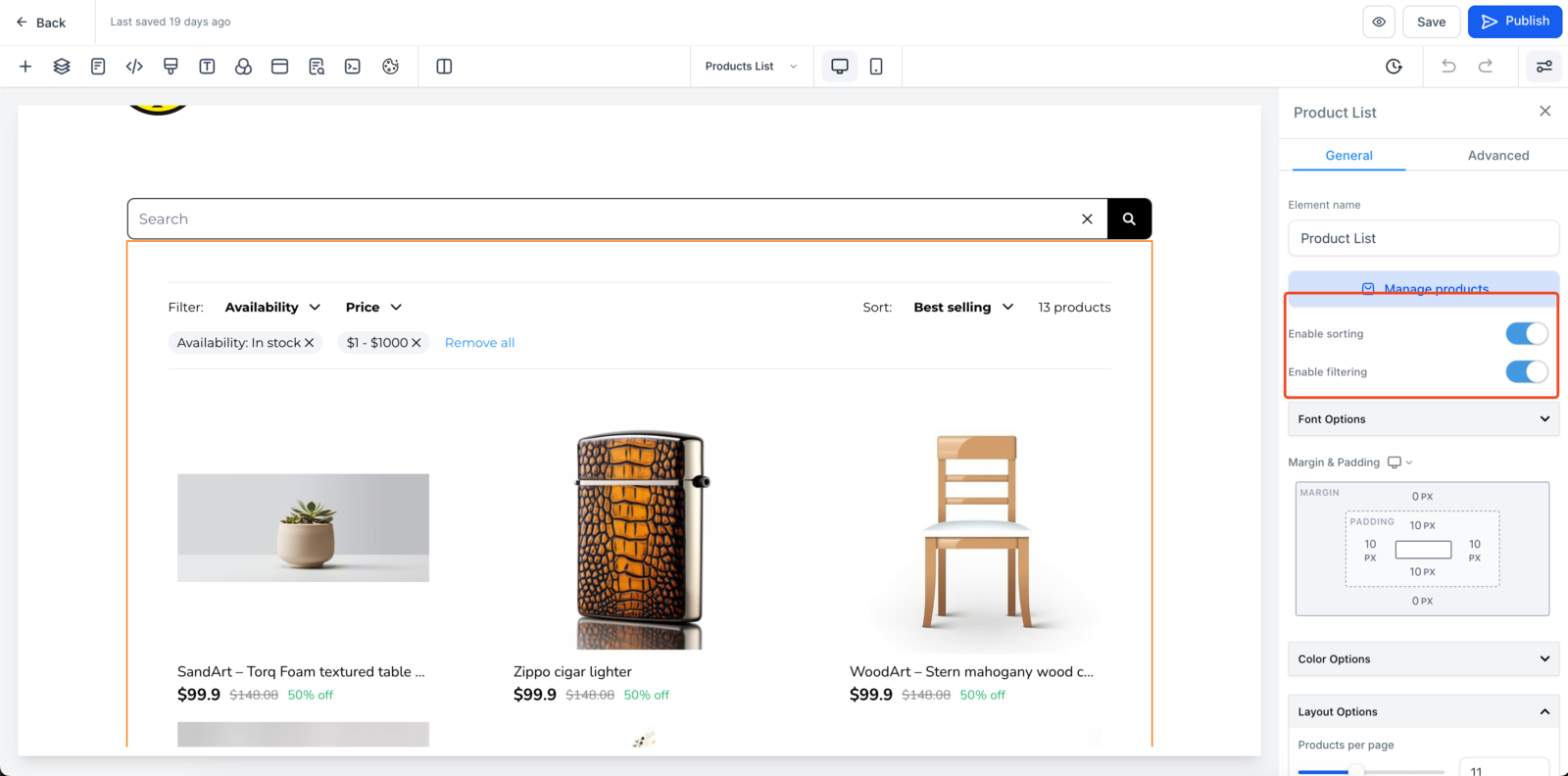
With the new Sort and Filter options, you can enhance product discoverability and improve the shopping experience for your customers.
What’s New
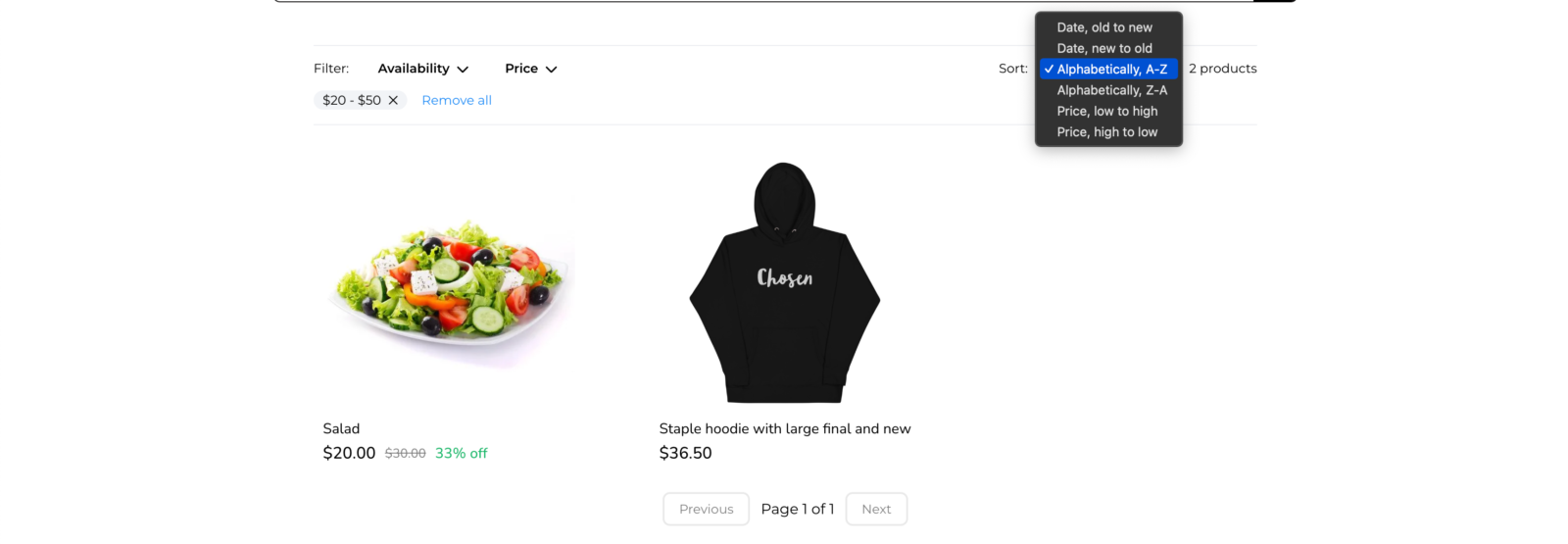
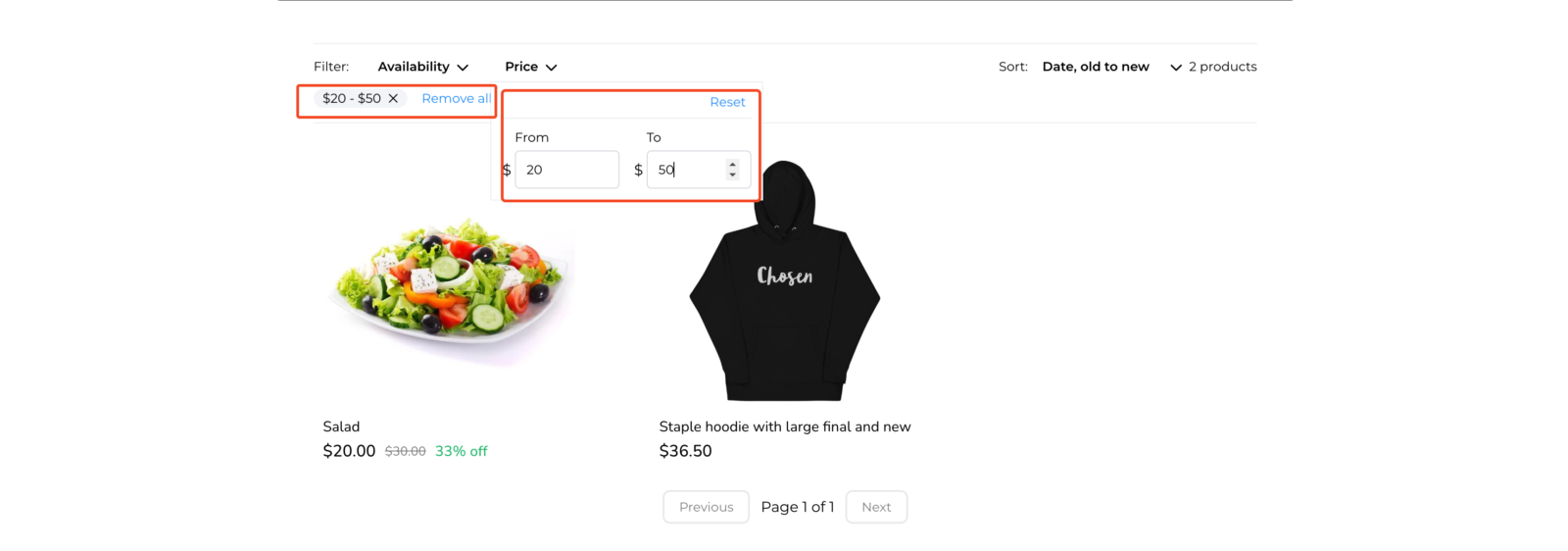
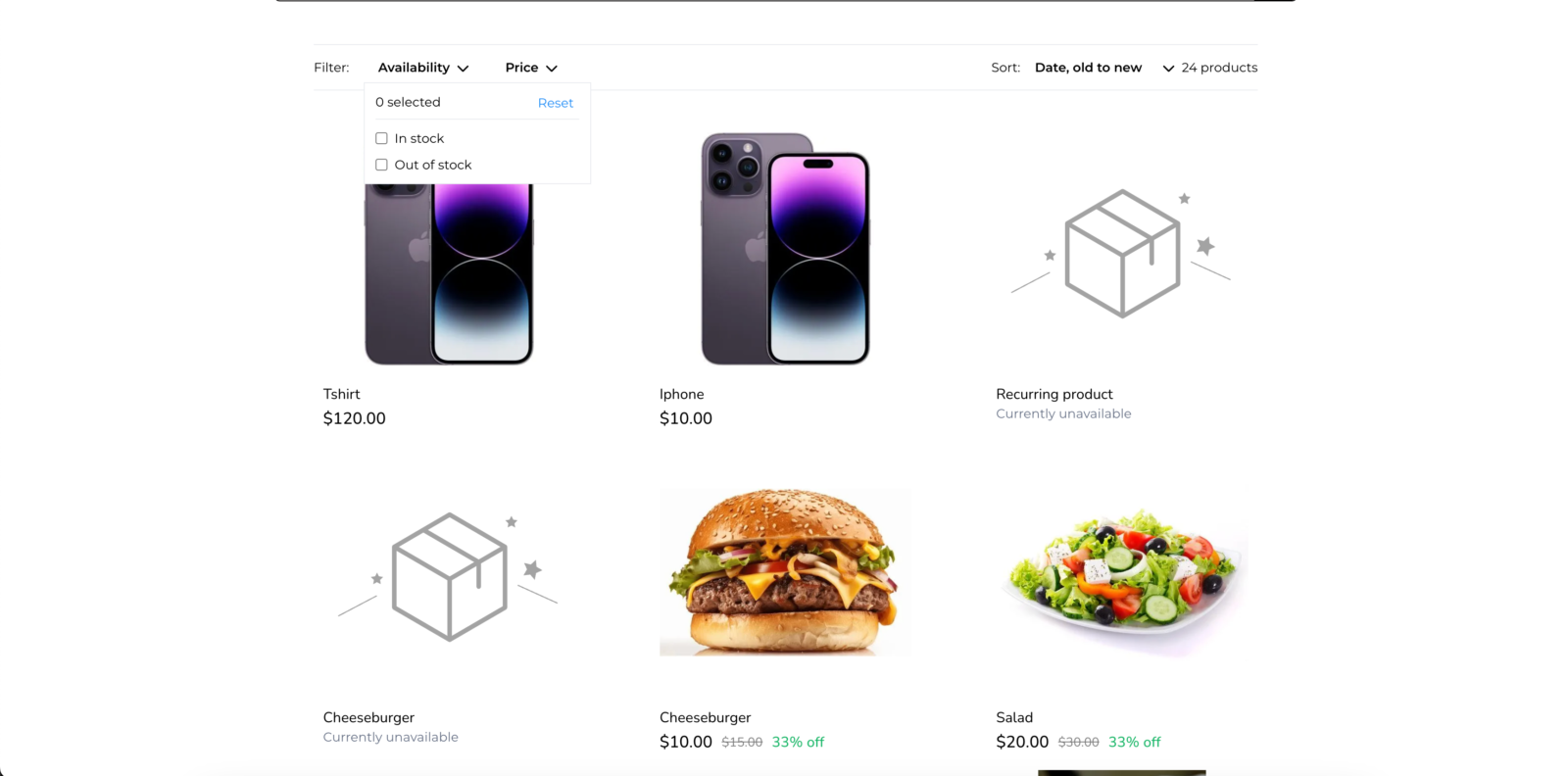
- Sort and Filter Options: Store owners can now add sorting and filtering capabilities to the product list page, making it easier for buyers to find specific products in a large online store.
How It Works
- Enable Sort and Filter:
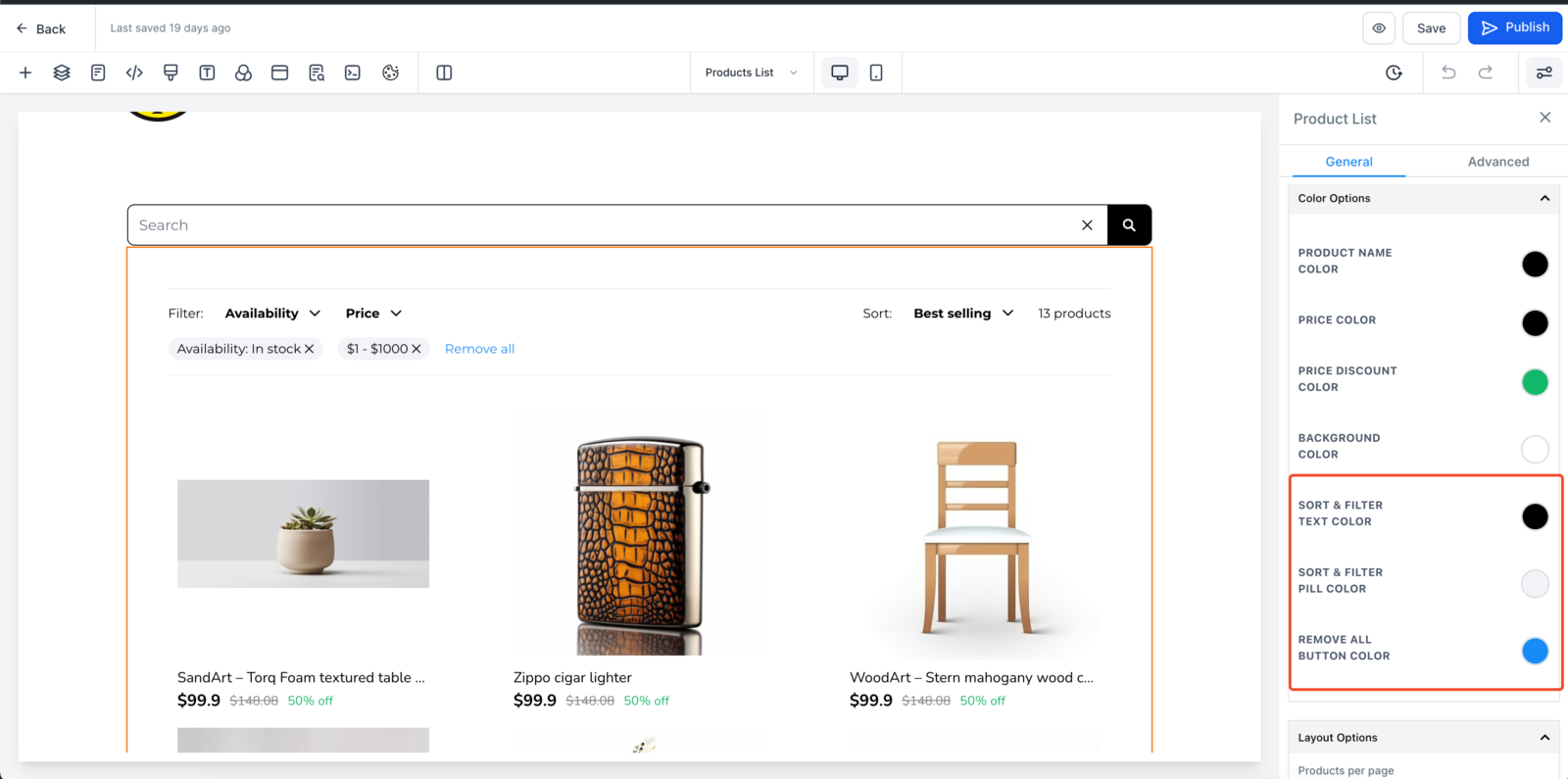
- Navigate to the product list page and select the product list element.
- Toggle the options to enable sorting and filtering.
- Configure Properties:
- Customize the sort and filter text color, pill color, and reset button color to match your store’s theme.
- Save and Publish:
- Click save or publish to apply the changes and see them live on your site.