We’re excited to introduce three new elements designed to elevate your custom dashboards: Titles, Textboxes, and Images! These elements allow you to build informative, visually appealing dashboards that foster collaboration and productivity across your team.
What’s New?
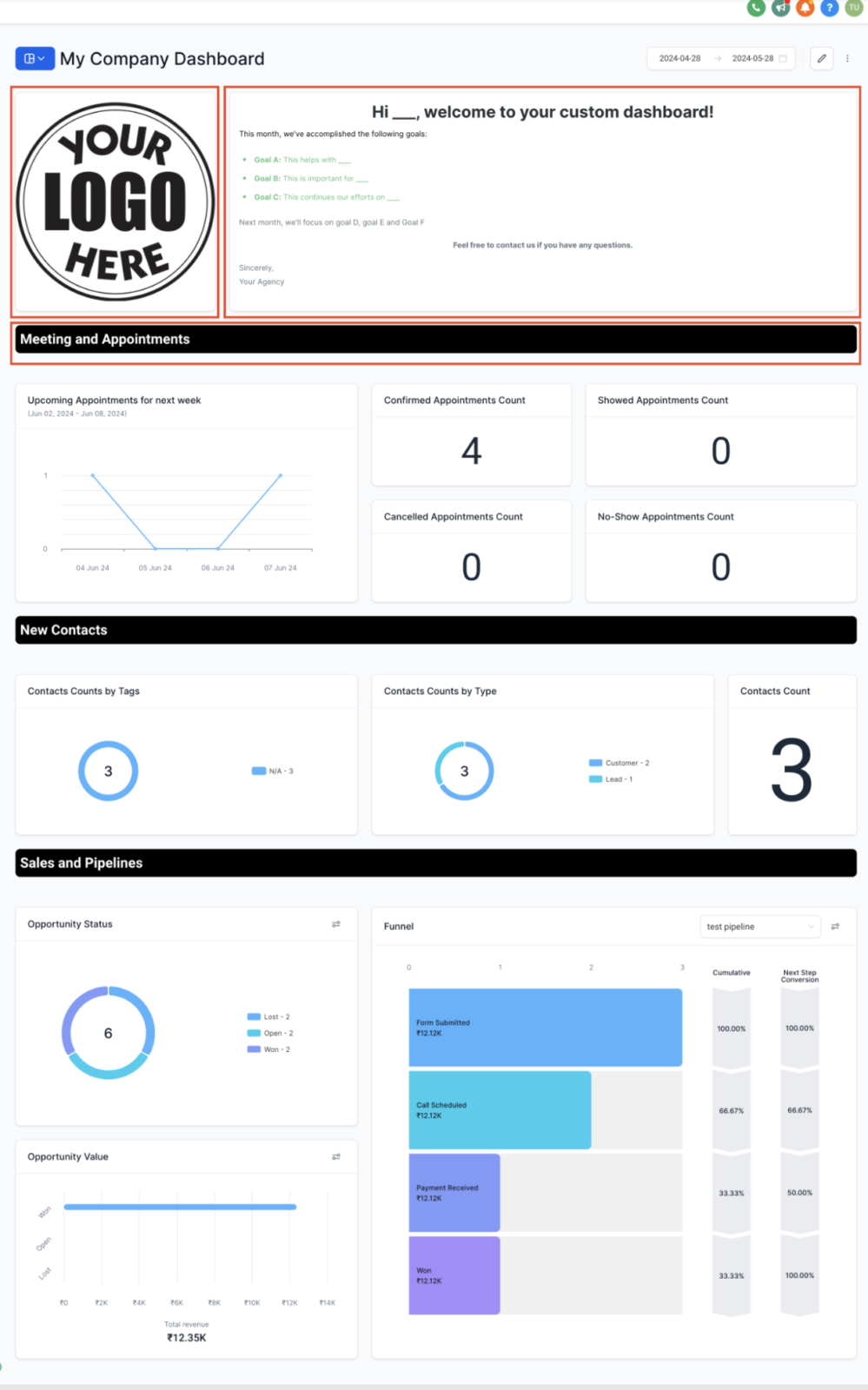
- Titles: Easily organize your dashboard by adding titles or headings to create clear sections and group widgets based on themes or categories.
- Textboxes: Share valuable information directly on your dashboard, from instructions on interpreting data to task reminders, streamlining communication and boosting team efficiency.
- Images: Enhance visual appeal by uploading and embedding images like logos, charts, or infographics — adding context and making your dashboard more engaging.
How It Works:
- Enter Edit mode on your Dashboard.
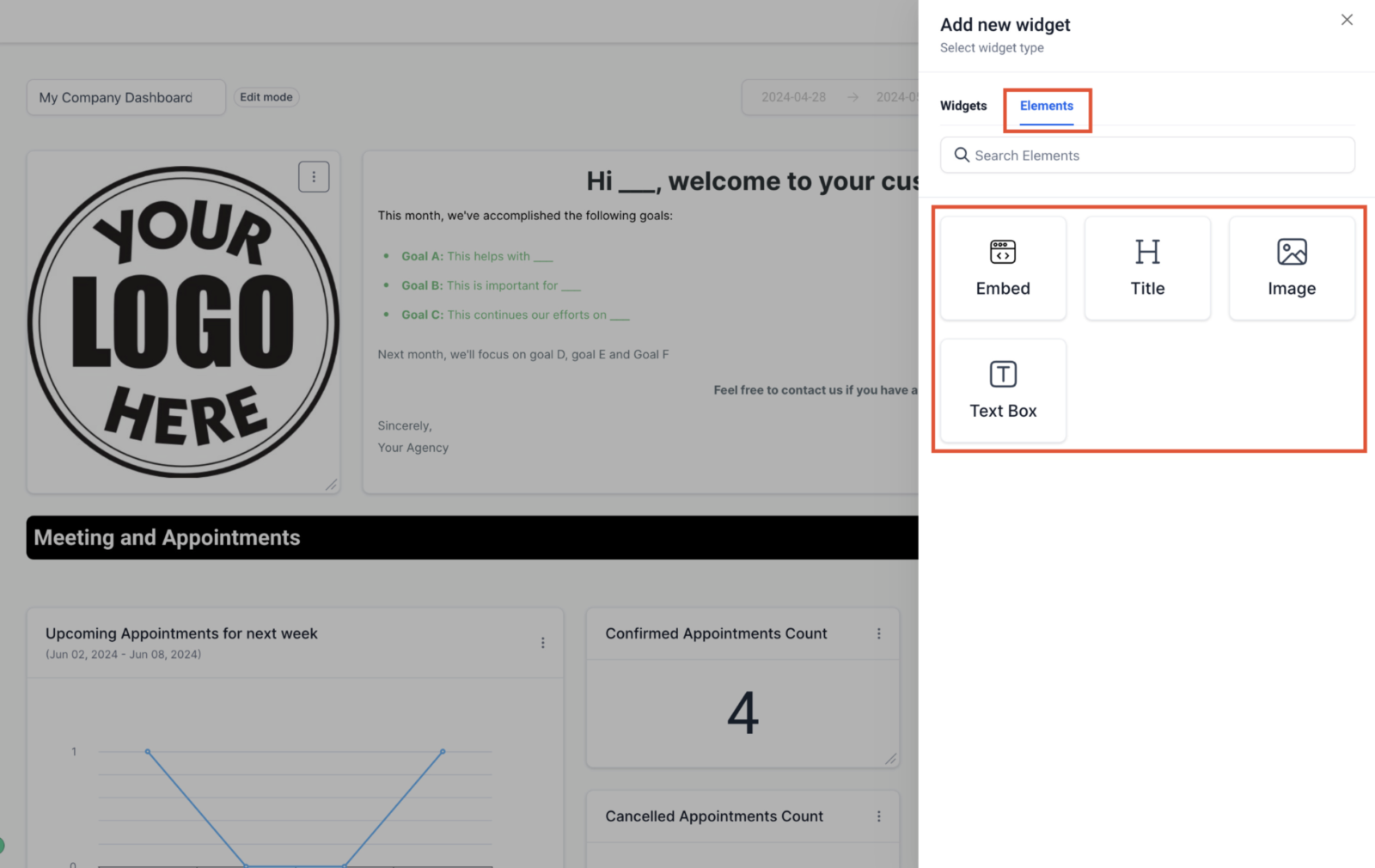
- Click on Add widget.
- Switch to the Elements tab.
- Choose Titles, Textboxes, or Images.
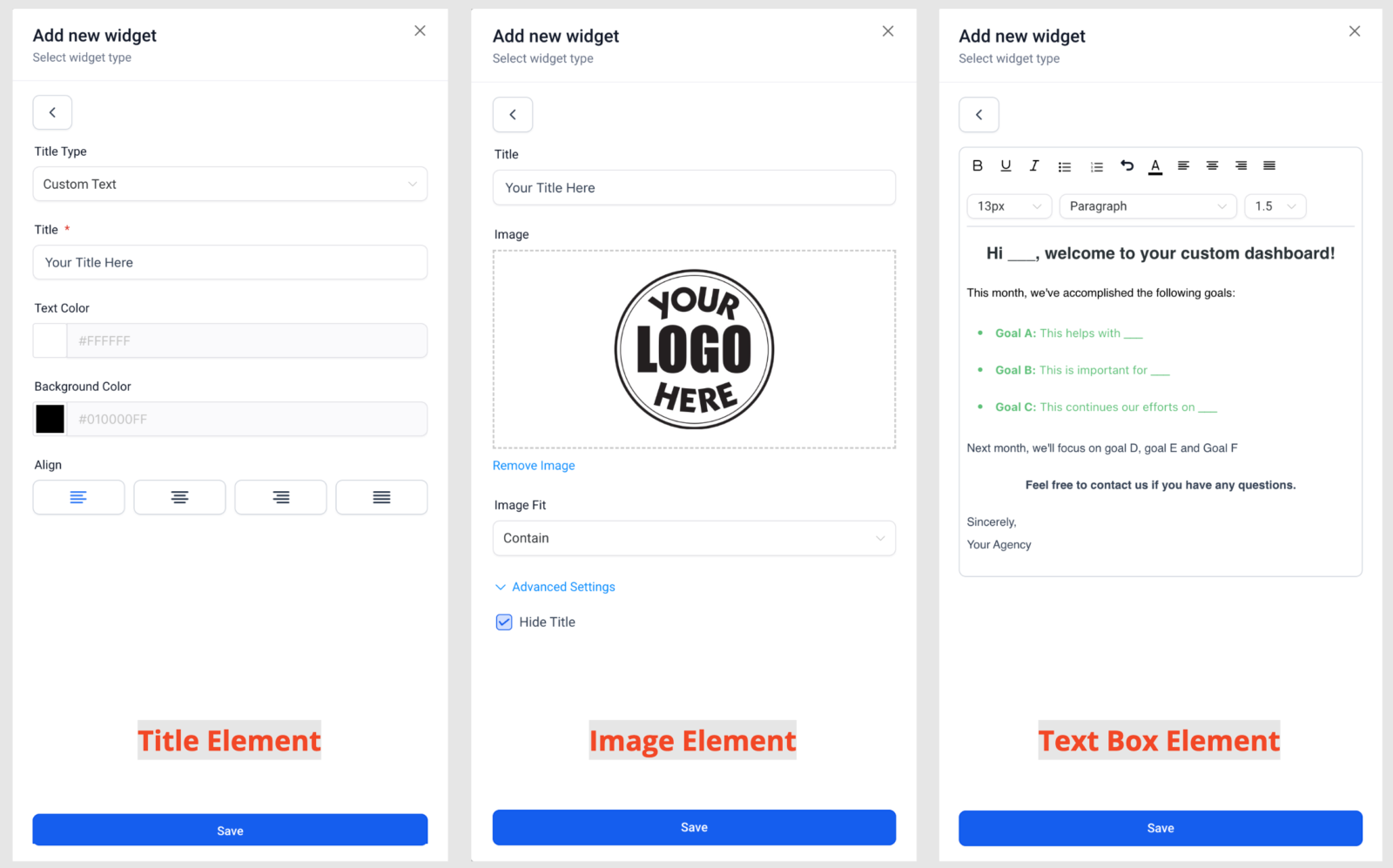
- Customize each element to fit your needs.
- Save your changes.